Business tips
November 10, 2026

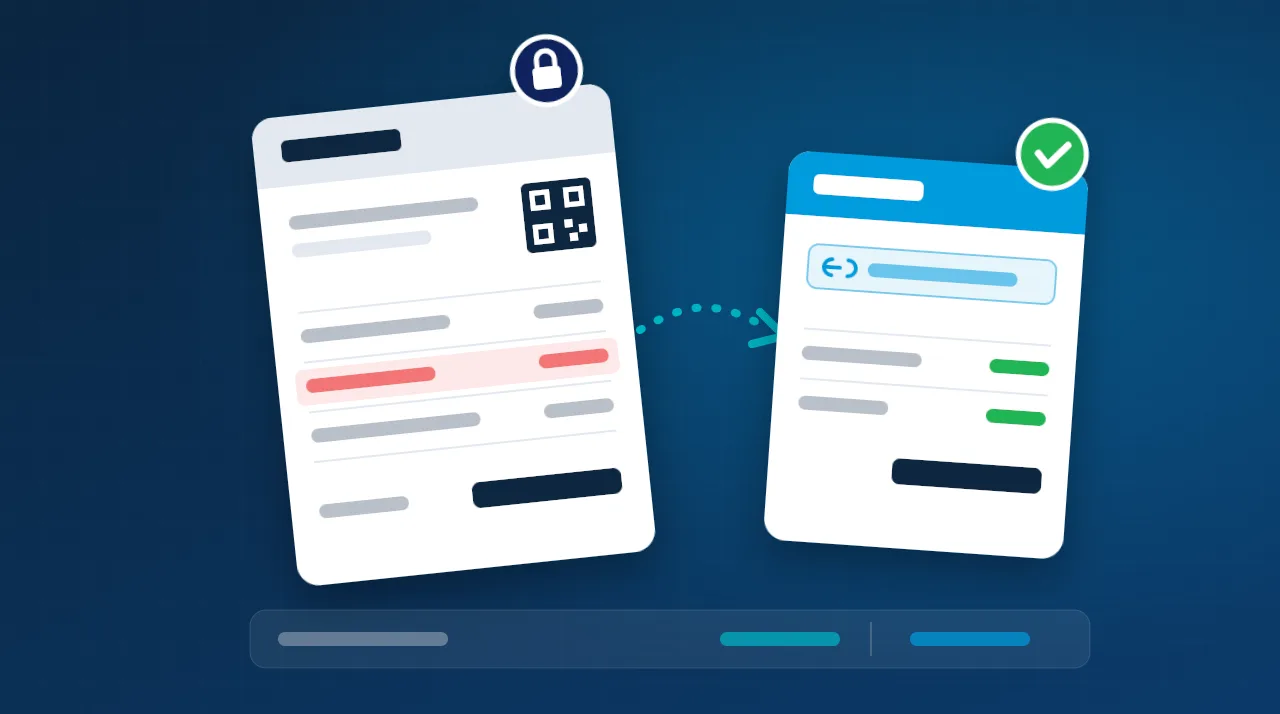
Discover how modern ERP systems transform manual, error-prone accounting into an automated, accurate, and compliant powerhouse, saving costs and providing real-time insights.
Bookkeeping is the meticulous recording of every financial transaction vs business makes. Accounting, on the other hand, takes those records and transforms them into meaningful insights for strategic decision-making. In Saudi Arabia, many businesses, especially small and medium-sized enterprises (SMEs), still rely on outdated methods like spreadsheets or even paper-based ledgers. This isn’t just inefficient; it exposes them to significant risks, including potential penalties from ZATCA (Zakat, Tax and Customs Authority) and costly financial errors.
While often used interchangeably, bookkeeping and accounting serve distinct but complementary roles in managing your business finances. Bookkeeping is the foundational process of systematically recording financial transactions, ensuring every dirham in and out is tracked. Accounting builds on this foundation, interpreting those records to provide a clear financial picture and guide strategic business decisions.
| Criteria | Bookkeeping | Accounting |
|---|---|---|
| Primary Goal | Accurate recording of transactions | Analysis and interpretation for decision-making |
| Key Outputs | Journals, Ledgers (e.g., Sales Journal, General Ledger) | Financial Statements (Balance Sheet, Income Statement, Cash Flow) |
| Required Skills | Meticulous accuracy, attention to detail | Financial analysis, strategic thinking, regulatory knowledge |
| Frequency | Daily, for every single transaction | Monthly, quarterly, and annually for reporting |
| Governed By | Double-entry accounting rules | IFRS, SOCPA, ZATCA tax regulations |
| Automation with ERP | Largely 100% automated | Semi-automated, requiring human review and analysis |
The accounting cycle is a systematic process of recording and processing all financial transactions of a business to produce financial statements. While traditionally a complex, manual undertaking, ERP systems radically simplify and accelerate each step.
Design your ERP implementation to automate as much of the accounting cycle as possible. This shifts your finance team’s focus from data entry to valuable financial analysis and strategic planning.
Manual bookkeeping is prone to human error, which can lead to significant financial discrepancies, audit nightmares, and even ZATCA penalties. ERP systems are designed to prevent these issues.
| Error Type | Potential Impact | How ERP Prevents It |
|---|---|---|
| Duplicate Entries | Overstated expenses, understated revenue, incorrect financial reporting. | Automatic checks for unique invoice numbers and payment references, rejecting duplicates. |
| Incorrect Account Mapping | Misclassified expenses or revenues, leading to an inaccurate profitability picture. | Pre-configured rules link transaction types directly to the correct ledger accounts. |
| VAT Calculation Errors | Non-compliance with ZATCA regulations, resulting in penalties of up to SAR 50,000. | Integrated tax engine applies correct VAT rates based on item, category, and location. |
| Unbalanced Entries | Trial balance discrepancies, making it impossible to produce accurate financial statements. | Enforces double-entry accounting; prevents saving an unbalanced journal entry. |
| Missing Entries | Incomplete financial records, leading to an inaccurate view of business performance and cash flow. | Every system transaction (e.g., confirmed sale, vendor payment) automatically generates a journal entry. |
Your Chart of Accounts (COA) is the backbone of your financial system. A well-designed COA is crucial for accurate reporting, compliance, and insightful analysis. For Saudi businesses, specific considerations are vital.
A poorly structured COA can lead to inaccurate financial statements, hinder analytical capabilities, and make compliance audits considerably more difficult and time-consuming. Invest time upfront in thoughtful COA design.
For many businesses, bank reconciliation is a tedious, time-consuming monthly struggle. Manually matching hundreds of transactions across multiple bank accounts in spreadsheets is a prime candidate for errors. ERP transforms this process.
While e-invoicing gathers most of the headlines, ZATCA’s requirements for businesses in Saudi Arabia are broad and encompass various aspects of financial data management. An ERP provides a holistic solution for compliance.
Implementing an ERP accounting module doesn’t have to be a lengthy, disruptive process. A well-planned, phased approach can get your business up and running efficiently in about 12 weeks.
| Phase | Duration | Key Deliverables |
|---|---|---|
| 1. Discovery & COA Design | Weeks 1-2 | Review current financial processes, design an IFRS/SOCPA-compliant Chart of Accounts, map cost centers and dimensions. |
| 2. System Configuration | Weeks 3-4 | Configure the ERP accounting module, set up tax engine rules, define approval workflows, and tailor financial reports. |
| 3. Data Migration | Weeks 5-6 | Migrate opening balances, static data (customer/vendor masters), and bank account details. |
| 4. ZATCA Integration & Testing | Weeks 7-8 | Set up e-invoicing, integrate PKI certificates, conduct extensive sandbox testing with ZATCA. |
| 5. Parallel Run | Weeks 9-10 | Operate both the old and new systems simultaneously, reconcile transactions, and validate all outputs. |
| 6. Go-Live & Support | Weeks 11-12 | Full transition to the ERP system, comprehensive user training, support for the first monthly close. |
A mid-sized company with SAR 35 million in annual revenue, importing consumer electronics and distributing them across three regions in Saudi Arabia, faced significant challenges. Their finance team of two accountants spent precious time on manual bookkeeping using multiple Excel workbooks, grappling with reconciliation delays and compliance errors.
| Key Performance Indicator (KPI) | Before ERP | After ERP | Improvement |
|---|---|---|---|
| Monthly Close Time | 18 days | 4 days | −78% |
| Bookkeeping Entry Errors | 45 per month | 2 per month | −96% |
| ZATCA Penalties | SAR 85,000 per year | 0 | −100% |
| Bank Reconciliation Effort | 12 hours per month | 30 minutes per month | −96% |
| Financial Report Generation | 3 days | 5 minutes | −99% |
Implementing an ERP system for your accounting functions can be a game-changer. Here are some actionable tips to ensure a smooth transition and maximize its benefits.
Investing in an ERP accounting system is a strategic decision that yields significant financial returns. Let’s quantify the potential ROI for a typical Saudi business.
For a company with SAR 35 Million in Annual Revenue:
Absolutely. Cloud-based ERP solutions offer flexible pricing, making them accessible for smaller businesses. Even with just 50 transactions a month, the time saved on bank reconciliation, accurate VAT calculations, and peace of mind with ZATCA compliance often justifies the modest monthly cost. Plus, the system scales seamlessly as your business grows.
Yes, your accountant remains crucial! Their role, however, evolves significantly. ERP automates the tedious, repetitive data entry tasks, freeing your accountant to focus on higher-value activities: strategic financial analysis, cost optimization, cash flow forecasting, and ensuring regulatory compliance. They become your financial advisors rather than data processors.
Cloud ERP systems are ideal for multi-branch or multi-entity operations. All branches transact within the same centralized system in real-time. This allows for instant consolidated financial reports, automated intercompany eliminations, and clear profit & loss statements for each branch, all from a single source of truth. No more waiting for data from different locations.
Most modern ERPs are designed to support both methods concurrently. You can track your cash flow while simultaneously maintaining accrual-basis books necessary for IFRS/SOCPA compliance. The system can automate the creation of accrual entries for items like prepayments, unearned revenue, and provisions, simplifying the compliance process.
Reputable cloud ERP providers invest heavily in security. They typically employ robust measures like 256-bit encryption, adhere to international security standards (e.g., SOC 2 Type II certification), conduct daily backups, and often host data on secure, NCA-compliant data centers within Saudi Arabia. In many cases, your data is more secure in a professional cloud environment than on local servers vulnerable to theft, damage, or ransomware.
In today’s dynamic business environment, especially in Saudi Arabia with its evolving regulatory landscape (ZATCA, IFRS, Zakat), robust bookkeeping is not just good practice—it’s essential for survival and growth. Relying on manual methods like Excel is a ticking time bomb of errors, penalties, and missed opportunities.
Implementing an ERP system transforms your accounting from a manual, error-prone chore into an automated, accurate, and fully compliant function. It provides real-time financial visibility, empowers quicker, more informed decisions, and can result in substantial annual savings, as demonstrated by the SAR 320,000 ROI example. Embrace ERP to secure your financial future and drive sustainable business success.