
Accounts
July 7, 2026

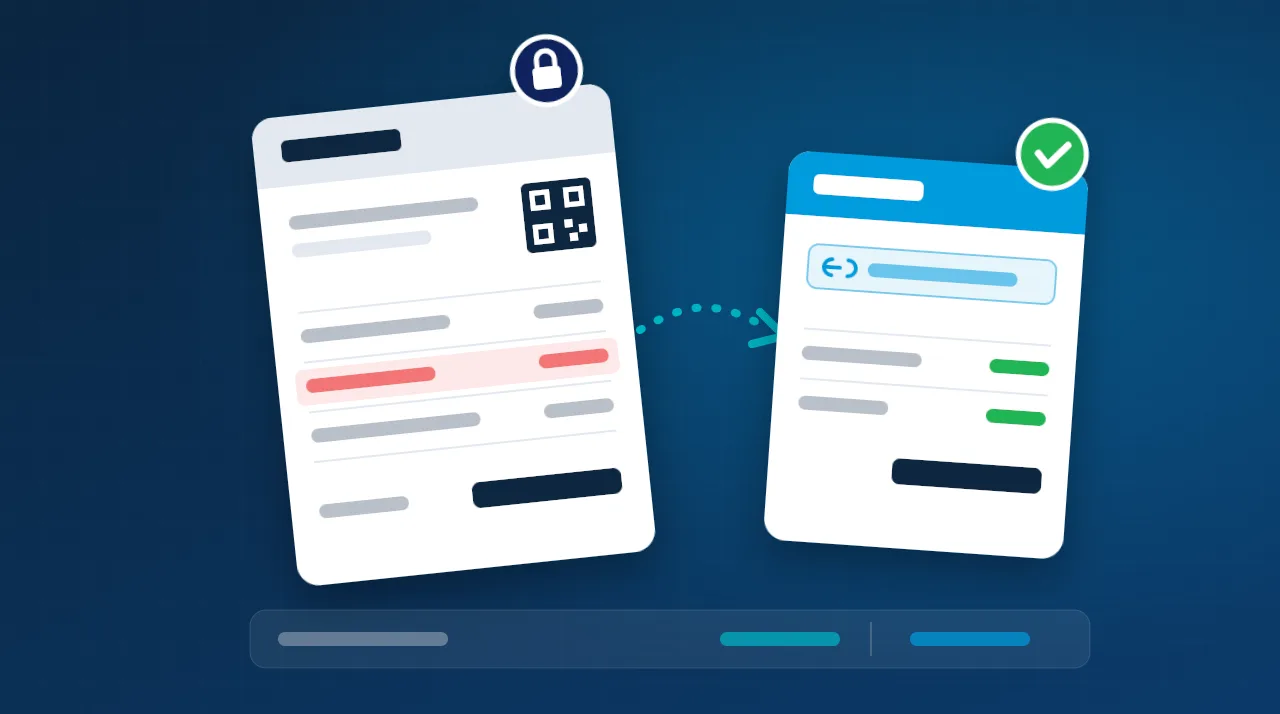
Sometimes you discover a wrong price on an invoice, or a journal entry posted to the wrong account, after the invoice has already been sent to ZATCA’s FATOORA platform. Can you still edit it? How does the error affect your VAT return, your zakat return and your financial statements? This guide answers those questions and shows the correct way to fix each type of error.
Short answer: An e-invoice cannot be edited or deleted once it has been issued. If the error is in the invoice data itself (price, quantity, VAT, buyer details), you correct it by issuing a credit note or debit note that references the original invoice. If the invoice is correct and only the accounting treatment is wrong (account, cost center, project), you fix it with an adjusting journal entry inside your system, without touching the invoice.
Not every error is the same, so the first step is to identify exactly where the error is. Common errors fall into four groups:
An error that looks small in a single entry can affect several areas:
| Area | Possible impact |
|---|---|
| Financial statements | Overstated or understated revenue and profit, wrong balance sheet balances, and management decisions based on wrong numbers. |
| VAT return | Wrong output or input VAT, and a VAT return that no longer matches the general ledger. |
| Zakat base | Errors in revenue and expenses change net profit, and may change items used to calculate the zakat base. |
| Customers, suppliers and inventory | Wrong receivable and payable balances, customer disputes, and distorted inventory cost. |
| Compliance and audit | External audit findings, and penalties on inspection if the error led to underpaid tax. |
No. ZATCA’s guideline on tax invoicing and records states that a tax invoice is issued only once and is not amended. Under Phase 2 of e-invoicing (integration):
After that, the invoice is a final record. ZATCA has announced that deleting or amending e-invoices after issuance is a violation, with fines starting from SAR 10,000 and increasing for repeat violations. The only compliant way to correct an issued invoice is therefore to issue a new corrective document linked to it.
| Type of error | Correct action |
|---|---|
| Price or quantity too high, a return, or a discount after the sale | Credit note for the difference plus its VAT. |
| Price or quantity too low | Debit note for the difference plus its VAT. |
| Wrong buyer details or buyer VAT number | A credit note for the full invoice amount, then a new invoice with the correct details. |
| Wrong VAT rate or VAT category | Usually clearest: a full credit note, then a new invoice with the correct VAT treatment. |
| Duplicate invoice | A credit note for the full amount of the duplicate. |
| Invoice correct, but wrong account, cost center or project | Adjusting (reclassification) entry in your system. No note is needed because the invoice data sent to ZATCA is correct. |
| Wrong purchase invoice from a supplier | Ask the supplier to issue a credit or debit note. Do not adjust input VAT on your side without a document from them. |
For the most common mistakes when issuing notes, read: Credit and Debit Notes: 7 Mistakes That Break the VAT Return and Distort Inventory.
An invoice was issued for SAR 10,000 plus SAR 1,500 VAT (total SAR 11,500). After clearance, you agree a SAR 1,000 discount with the customer. You issue a credit note for SAR 1,000 plus SAR 150 VAT, and the entry is:
| Account | Debit | Credit |
|---|---|---|
| Sales returns and allowances | 1,000 | |
| VAT – output tax | 150 | |
| Accounts receivable – customer | 1,150 |
The invoice is correct, but SAR 10,000 of software subscription revenue was posted to “Consulting revenue”. Neither the invoice nor VAT is affected, so a reclassification entry is enough:
| Account | Debit | Credit |
|---|---|---|
| Consulting revenue | 10,000 | |
| Software subscription revenue | 10,000 |
First, separate two situations:
Under Article 63:
On penalties, ZATCA’s violations page lists a fine of 50% of the difference between the calculated and the due tax for filing an incorrect return, or amending a return, in a way that reduces the tax due. It also lists 5% of the unpaid tax for each month or part of a month of late payment. Correcting early, on your own initiative, is always better than waiting for the error to be found during an audit. For more on reconciling the return with your books, read: VAT Return: 7 Silent Problems Costing Companies.
The Zakat Collection Implementing Regulations (1445H) allow a zakat payer to correct a filed return:
The sound accounting rule is that a posted entry is not deleted or edited directly. It is corrected in one of two ways:
If the error is material and relates to prior, closed financial periods, IAS 8 requires a retrospective restatement of the comparative figures rather than booking the correction in the current year’s profit. For details, read: Correcting Posted Entries: Are Backdated Entries Correct?
In an e-invoicing compliant ERP such as Tranquil, invoices and notes are issued from one place, every credit or debit note is linked to its original invoice, and its effect flows automatically to the customer account, inventory and VAT. The system keeps a record of every change, so accountants and auditors can easily trace what happened and why.
Want to see how this cycle works in practice? Book a free demo.
There is no cancellation or deletion once an invoice has been cleared or reported. Its effect is reversed by issuing a credit note for its full amount that references its number.
No. A note is a tax document just like an invoice. If it was issued with an error, it is corrected with an opposite document, such as a debit note.
A credit note reduces the value of an earlier invoice (a return, a discount, a price that was too high). A debit note increases it (a price or quantity that was too low).
No later than the 15th day of the month following the month in which the reason for the adjustment occurred.
No. If the invoice data sent to ZATCA is correct, the fix is an internal adjusting entry only.
Yes, if the net tax difference is less than SAR 15,000. The correction goes in the return for the period in which the error was discovered. If the difference is SAR 15,000 or more and tax was underpaid, the previous return must be corrected within 20 days of becoming aware of the error.
This article is general information, not tax or legal advice. Regulations and guidelines are updated from time to time, so check the latest version on ZATCA’s website or consult a specialist before making a decision.