
Inventory
QR code inventory tracking and barcode tracking rest on the same idea. Every item, shelf location or asset carries a label that a scanner can read, and each receipt, pick, transfer or count is recorded by scanning that label instead of typing a code. The label holds a reference number; the item’s name, cost, price and stock balance stay in the inventory system.
The choice between a linear barcode and a QR code matters less than two decisions made before any label is printed. The first is what gets a label. The second is which document in the system each scan is posted to. Most failed barcode projects we see got the labels right and those two decisions wrong.
How barcodes and QR codes work
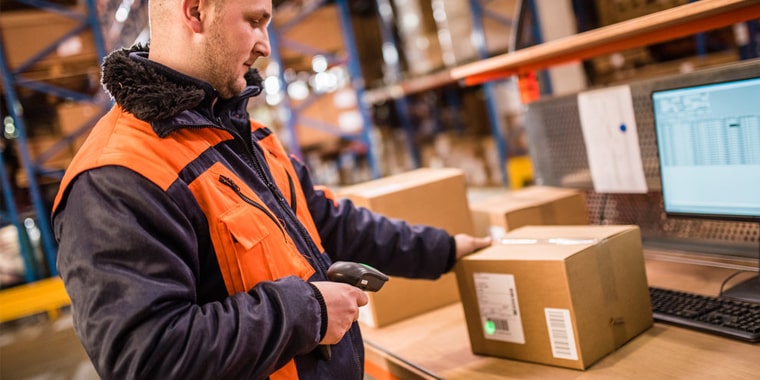
A linear barcode is a row of bars and spaces of different widths that a scanner turns into a number. The scanner sends that number to the system as if it had been typed, and the system looks it up. The common retail barcode, EAN-13, holds a 13-digit GS1 Global Trade Item Number (GTIN); in the United States and Canada the UPC barcode holds a 12-digit GTIN. Neither holds the price. The price sits in the price list, which is why a price change does not require new labels.
A QR code or a Data Matrix code is a two-dimensional square of cells. It holds more data in less space and can be read by a phone camera as well as by a 2D scanner. GS1 notes that 2D codes can carry an expiry date, batch and serial number alongside the GTIN, and GS1 DataMatrix is already used this way on prescription medicines.
Barcode and QR code types compared
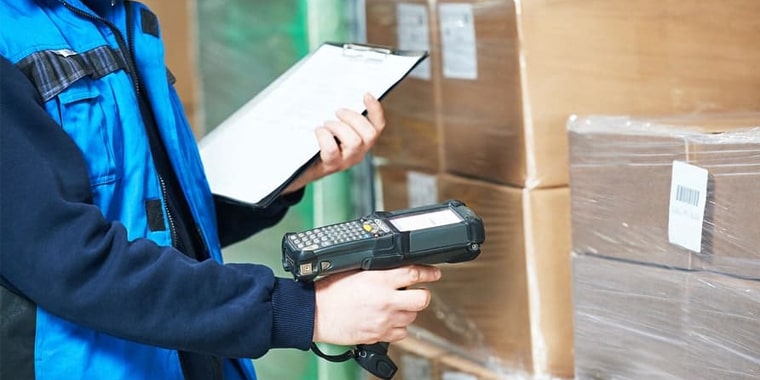
| Type | What it usually holds | Read by | Typical use |
|---|---|---|---|
| EAN-13 / UPC | The product’s GTIN | Any barcode scanner | Retail products, point of sale |
| Code 128 and other linear codes | Internal item codes, bin codes, document numbers | Any barcode scanner | Shelf and bin labels, cartons, internal labels |
| QR code | A code, a link or several fields | 2D scanner or phone camera | Asset tags, labels read with phones, invoices |
| Data Matrix (incl. GS1 DataMatrix) | GTIN plus batch, expiry or serial number | 2D scanner | Medicines, small parts, items tracked by batch |
If the supplier’s goods already carry an EAN-13, register that GTIN against your item and scan it as received. Print your own labels only for items without one, for repacked goods, and for locations and assets. Two labels on one carton, each pointing to a different code, is a common source of picking errors.
What to label and what to encode
Four things usually get labels in a warehouse, and each answers a different question:
- Items or cartons: which product is this? The label carries the item code or GTIN, matched to the item’s unit of measure.
- Bins and shelf locations: where is it? A scanned location on every putaway and pick is what makes a stock-by-location report trustworthy.
- Batches and serial numbers: which lot is this? Needed for food, chemicals, medicines and anything with an expiry date or warranty.
- Fixed assets: which asset is this, and is it where the register says it is?
Encode an identifier, not a description. A label that holds the item code stays valid when the description or price changes. A QR code that holds the full product name, price and supplier has to be reprinted every time one of them changes. For more on how item codes are built, see our article on the stock keeping unit (SKU), and for lot control, batch tracking.
Scanning in daily inventory work

A scan is only useful when it lands on a document. In a typical distribution warehouse the scans map to documents like this:
- Receiving: the storekeeper scans each item against the purchase order, and the goods receipt note (GRN) is built from the scans. Quantities that do not match the order show up at the dock.
- Putaway and transfers: the item and the destination bin are scanned, so the stock moves to that location in the system.
- Picking and delivery: the picker scans items against the sales order or delivery note. A wrong item is rejected before it leaves.
- Counting: the counter scans the bin, then each item, and the count is loaded as a stock-taking sheet instead of being typed from paper.
Here is a worked count, with hypothetical figures. One item is counted by scanning in a single warehouse at month end.
| Line | Value |
|---|---|
| Quantity in the system | 1,250 units |
| Quantity scanned | 1,238 units |
| Difference | 12 units short |
| Average cost per unit | 18.50 SAR |
| Value of the difference | 12 × 18.50 = 222.00 SAR |
Once the shortage is confirmed, the stock adjustment posts this entry:
| Account | Debit (SAR) | Credit (SAR) |
|---|---|---|
| Inventory adjustment (expense) | 222.00 | |
| Inventory | 222.00 |
The usual mistake is posting the adjustment before checking open documents. Goods delivered but not yet invoiced, or a transfer sent but not received, will look like a shortage on the count and reverse itself a week later.
Barcode and QR code tracking for fixed assets

For fixed assets the label carries the asset number from the fixed asset register. The register keeps the cost, depreciation, location, department and custodian. Scanning is then used in two places. The first is the periodic verification, where each tag found is matched to the register and anything not found is investigated. The second is custody changes, where an asset moves to another site or employee and the transfer is recorded against the scanned tag.
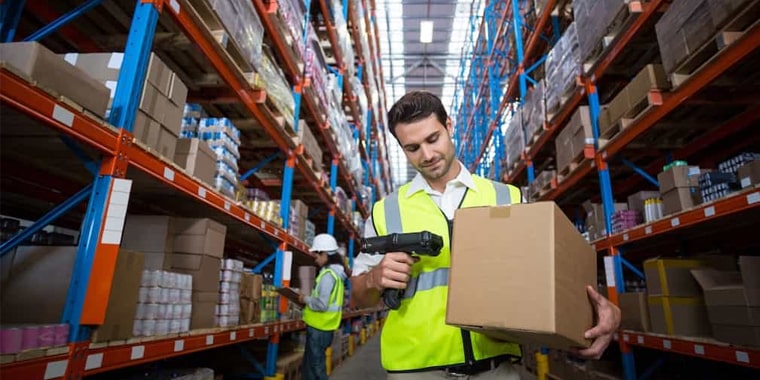
The verification usually turns up assets on the register that cannot be found, assets in use that were never registered, and assets found in a different location or with a different custodian. Each needs a decision from finance, not only from the warehouse. Our article on asset tagging covers tag materials and numbering in more detail.
Costs, limits and when a spreadsheet is enough
The direct costs are labels, a label printer and scanners. Many teams start with phones or tablets for low-volume scanning and add rugged handheld scanners at the receiving dock and picking areas, where scanning volume is highest. The larger cost is the time to label existing stock and locations and to change daily habits.
Barcodes do not fix a process that is not followed. If goods are moved without a transfer, scanning only records part of the movement faster. A small shop with a few dozen items and one storeroom may do well with a spreadsheet and a monthly count. Scanning starts to pay when there are many items, several locations, batches with expiry dates, or several people moving stock every day.
QR code inventory tracking in Tranquil
In Tranquil’s inventory module, the Print Label page prints item barcodes, and barcode settings sit in the settings hub. Items can be tracked by batch or serial number with expiry validation, warehouses can have locators (bins), and stock moves through Stock Transfer Request, Stock Transfer and Stock Transfer Receive. Counts are handled in Stock Taking Management, and differences are posted through Stock Adjustment to the inventory adjustment account.
With the production module, each finished unit gets a product label as a barcode or a QR code, chosen in the production settings, and each order gets a package slip with a QR code showing the order, batch, quantity and client. Tax invoices carry the QR code used in ZATCA e-invoicing, and Tranquil is ready for the second phase. Asset transfers by site, custodian or department are recorded in the asset module; printing asset tags is not described in the manuals, so confirm it with us if you need it.
Frequently asked questions
Is a QR code better than a barcode for inventory?
Not always. A linear barcode is enough when the label only needs to hold an item or location code, and every scanner reads it. A QR or Data Matrix code is better when you need batch, expiry or serial data on the label, when labels are small, or when staff will scan with phone cameras.
Does a product barcode contain the price?
No. An EAN-13 or UPC barcode holds the product’s GTIN, a number. The scanner passes that number to the system, which looks up the item and its current price in the price list. That is why prices can change without relabelling.
Can we use the supplier’s barcodes instead of printing our own?
Yes, when the supplier’s goods carry a GTIN barcode. Register that GTIN against your item code so a scan finds the right item. Print your own labels only for items without one, for repacked goods, and for bins and assets.
Do we need special scanners to read QR codes?
Linear barcode scanners cannot read QR codes; you need a 2D imager scanner or a phone or tablet camera. For low volumes a phone is enough. For receiving and picking all day, handheld 2D scanners are faster and survive warehouse use better.